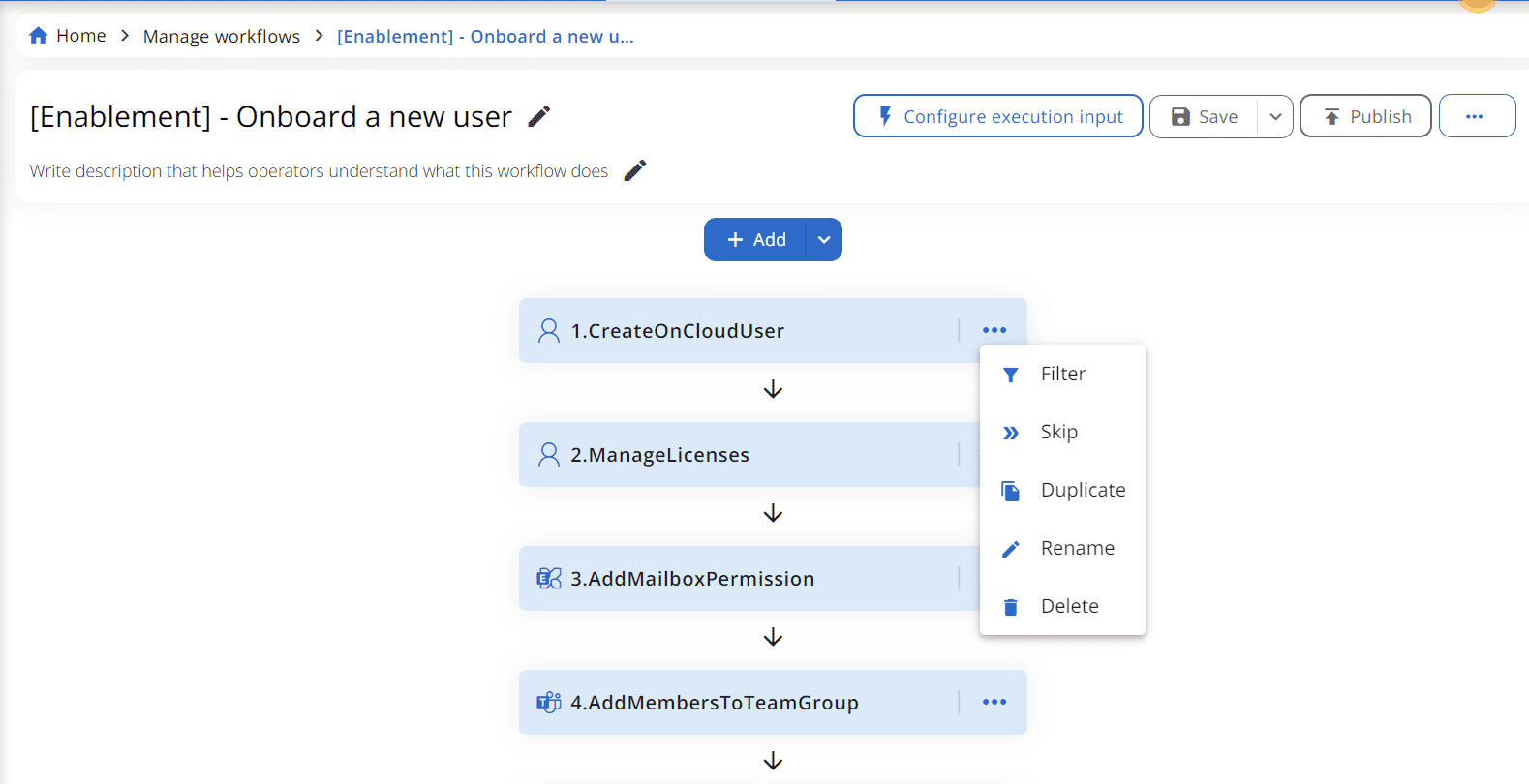
Functions can be utilized to control the execution of an action or a series of actions within a Workflow.
Applying functions
To apply a function, begin by creating or editing the desired Workflow. Then, click on the ellipsis “…” next to each action. The available functions are:
- Filter (only available for actions within conditional (if/else) branches)
- Skip (not available for actions within conditional (if/else) branches)
- Duplicate
- Rename
- Delete
For more detailed information about the “Filter” and “Step” functions, please refer to the relevant sections.