


This step occurs immediately after startin g the new application wizard and selecting the application type. It's a critical intermediary step that bridges Configuration Manager's App Builder with the Intune portal configuration process.
Follow the steps below:
If you selected Win32
- If you selected Win32, download the empty placeholder file (empty.intunewin). This file is crucial for the next steps in the Intune portal.
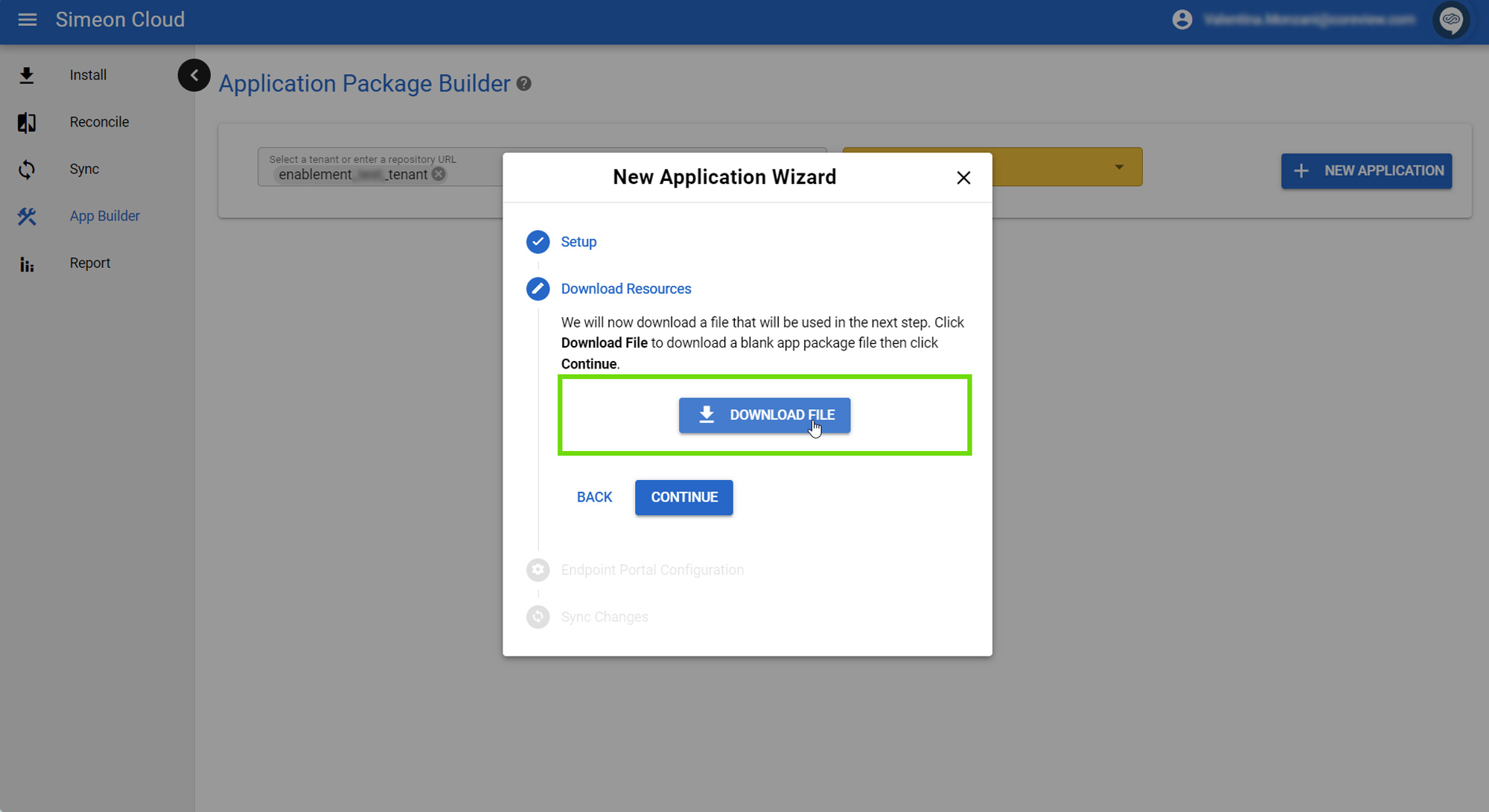
- Save this file to an easily accessible location on your computer. You'll need to upload this file in the Intune portal shortly.

- In Configuration Manager, click “Continue”.
The next step is Configuring the Application in Intune.
If you selected MSI
If you selected MSI, simpy click “Continue” to proceed to the next step: Configuring the Application in Intune
